
Automated access and lighting for padel courts.
Connect access codes and court lighting to confirmed bookings. Configure operating times and keep manual controls available to your team.
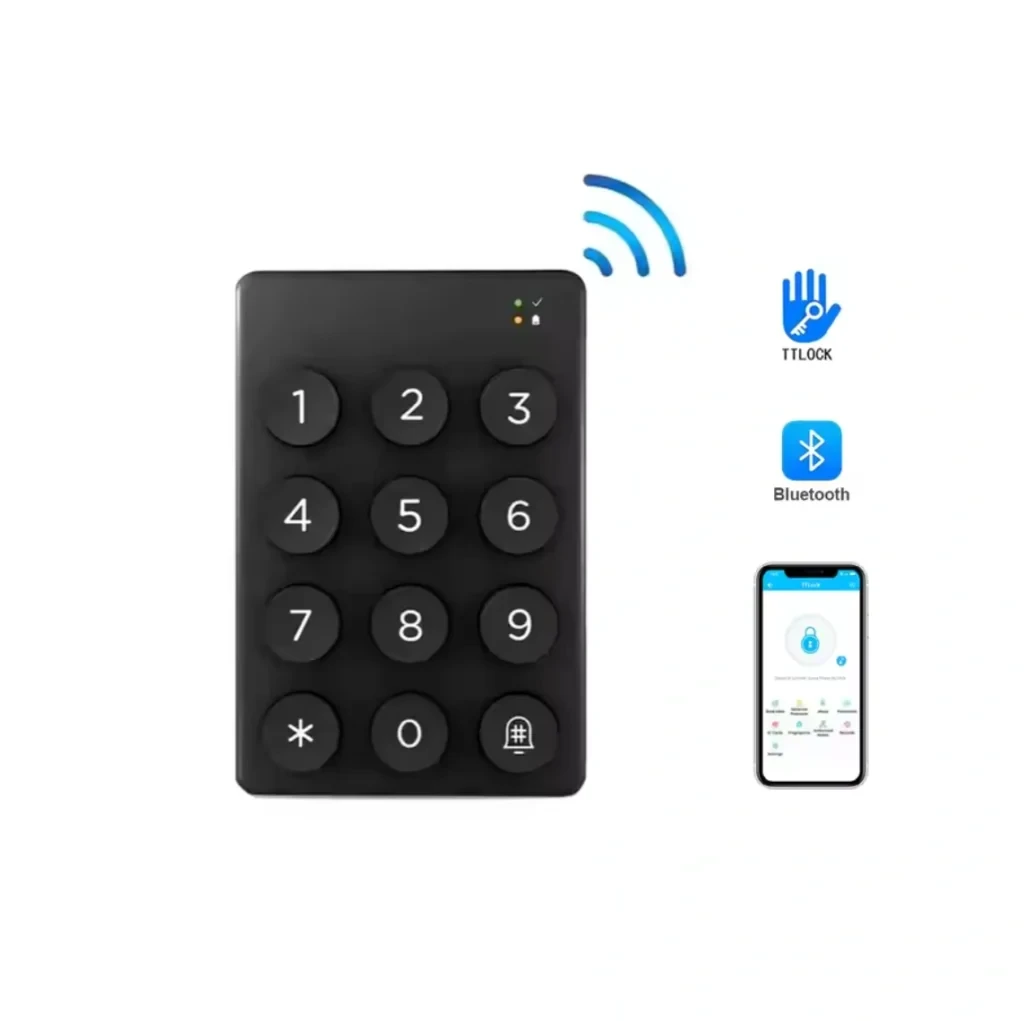
Module and equipment configured for the court
For your club
Connect access and lighting to the booking schedule with configurable rules and manual staff controls.
For the playerReceive access details with the booking and find lighting prepared according to your club’s configuration.
Access for the reserved slot
Configure access rules around reservations. We review the equipment and usage scenarios together.
- Compatible locks provide access codes according to confirmed bookings and automation windows.
- Players receive codes by email and in booking details; authorized staff can retrieve codes.
Lighting linked to the schedule
Connect court lighting to reserved time slots. Behaviour depends on the configured rules and devices.
- Set how many minutes lights turn on before a booking and off after it.
- One channel can serve multiple courts and stay on while a relevant confirmed booking remains active.
Setup and testing
Start with your club infrastructure, select modules and test workflows. Equipment and costs are discussed separately.
- Map devices to courts and configure automation hours.
- Enable automation per channel; authorized staff retain manual lighting controls.
In practice
Two courts sharing one lighting circuit
Map both courts to the same channel. Automation considers confirmed bookings on both before switching off.
- 01
Check infrastructure
Identify locks, switches and lighting circuits, including shared circuits.
- 02
Connect booking rules
Set automation windows and lighting lead-in and follow-on times.
- 03
Test the experience
Check player access, lighting behavior and manual staff intervention.
Benefits
For your club
Connect access and lighting to confirmed bookings with rules suited to your schedule. Staff can manually control configured devices using their assigned permissions.
For the player
Court access and lighting can follow the booked interval. The experience is clearer when rules are prepared around the start and end of play.
Setup and activation
See how it works for your club.
Request a demonstration of this feature. Then we will help configure the right settings for your club.
For setup, we agree on:
Compatible locks and switches with verified connectivity.
Device and channel mapping to courts.
The club’s IoT module and access and lighting rules.
Frequently asked questions
Can I use existing equipment?
Compatibility is checked for each setup. Not every device can be connected.
Is automation included by default?
No. These are optional modules with configuration requirements and compatible equipment.
Can staff turn lights on manually?
Yes. Authorized colleagues can use manual controls for configured devices.
Can I allow time before and after a booking?
Yes. Lighting rules let you set minutes before the booking starts and after it ends.
Let’s see how it would work for your club.
See how management, promotion and community connect: from visibility in search engines and the app to booking and the next visit.